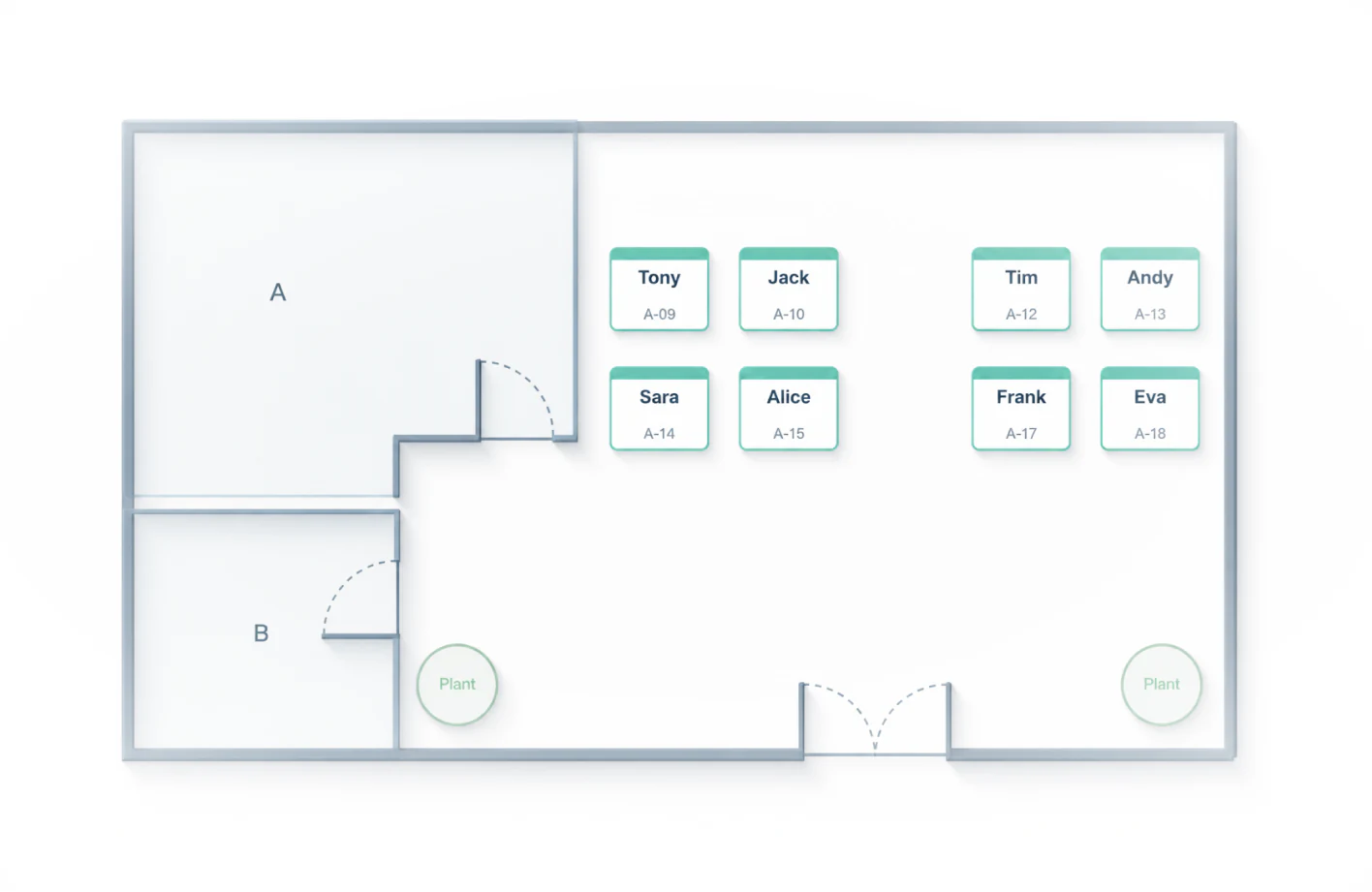
Start with the real space
Upload a floor plan or build areas, tables, and seats on a blank canvas so the chart matches the space.
Use an online seating editor to create a layout, place people, and export a clear seating chart.
No install · No sign-in
The editor works best on a computer. On phones, browse the product first.
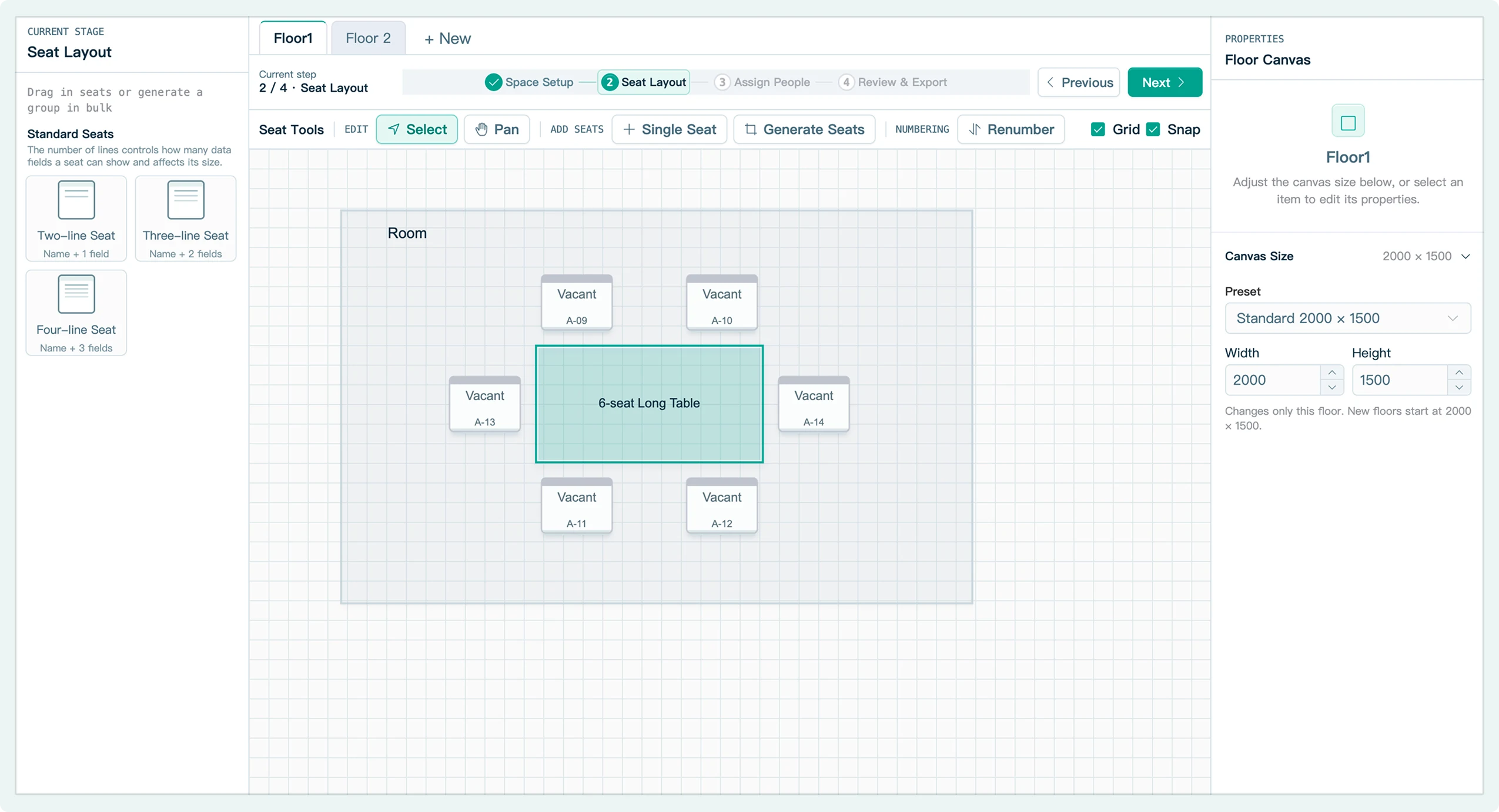
Online seating editor
Upload a floor plan or build areas, tables, and seats on a blank canvas so the chart matches the space.

Add seats, import a list, number in batches, and drag to adjust. Even complex arrangements stay clear.
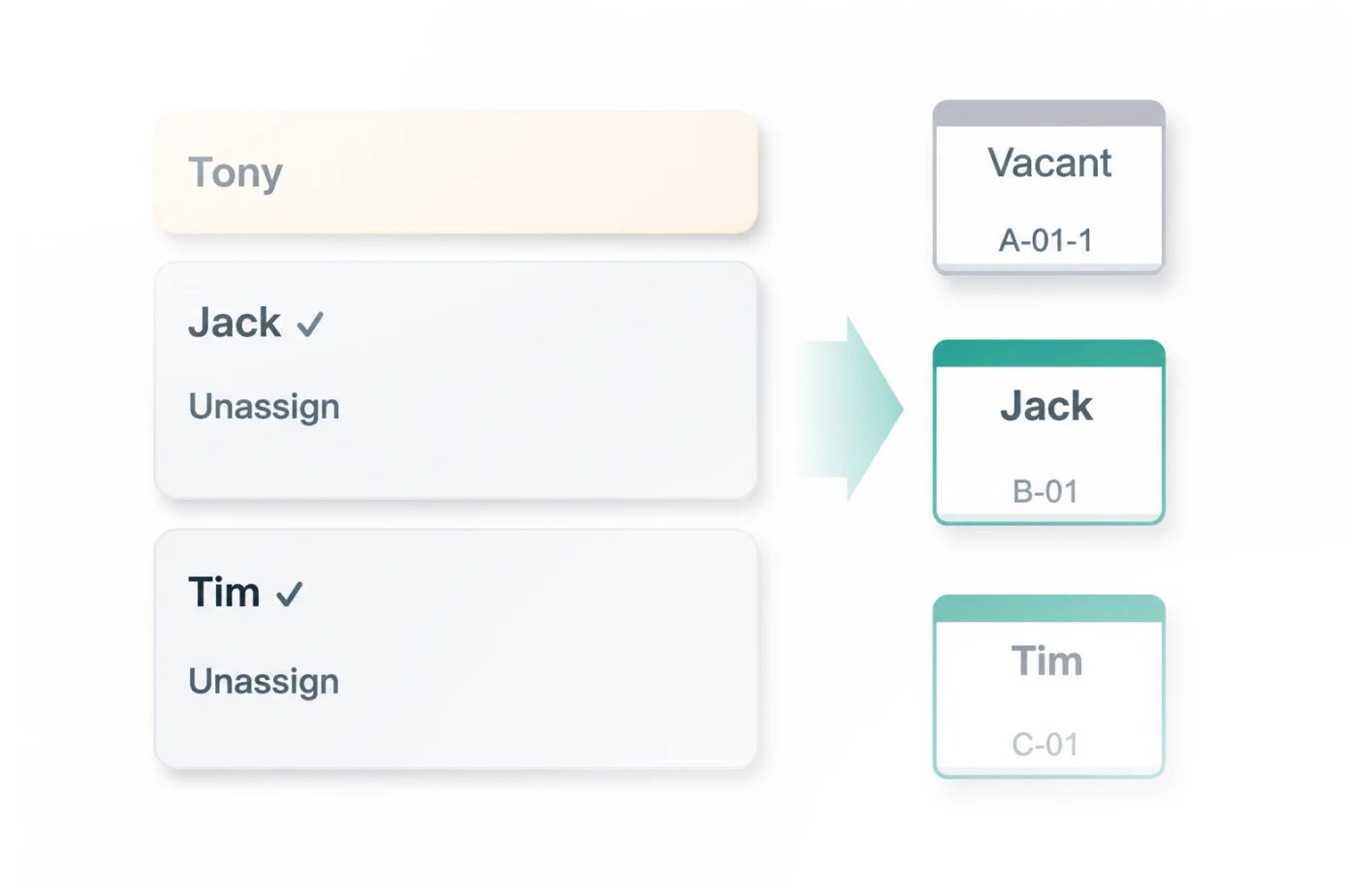
Export a clear chart for posting, sending, or checking ahead. When plans change, come back and adjust.
Online seating editor
SeatMaply is a bilingual online seating editor and seating chart maker that runs in your browser. Draw the space, add tables and seats, place people, then export a clear chart that is ready to share.
Use one canvas for office desk plans, meeting-room seating, classroom or training layouts, and table plans for gatherings and events.
Bring in people from CSV or Excel, keep department details, then drag each person to a seat. Existing assignments can be swapped or cleared.
Start without signing in and keep work saved in this browser. Use cloud projects on another device, download a .seat project backup, or export a PNG seating chart.